7 Essential Apps Every Travel Creator Needs in 2026
 Anant Jain August 10, 2026 3:00 PM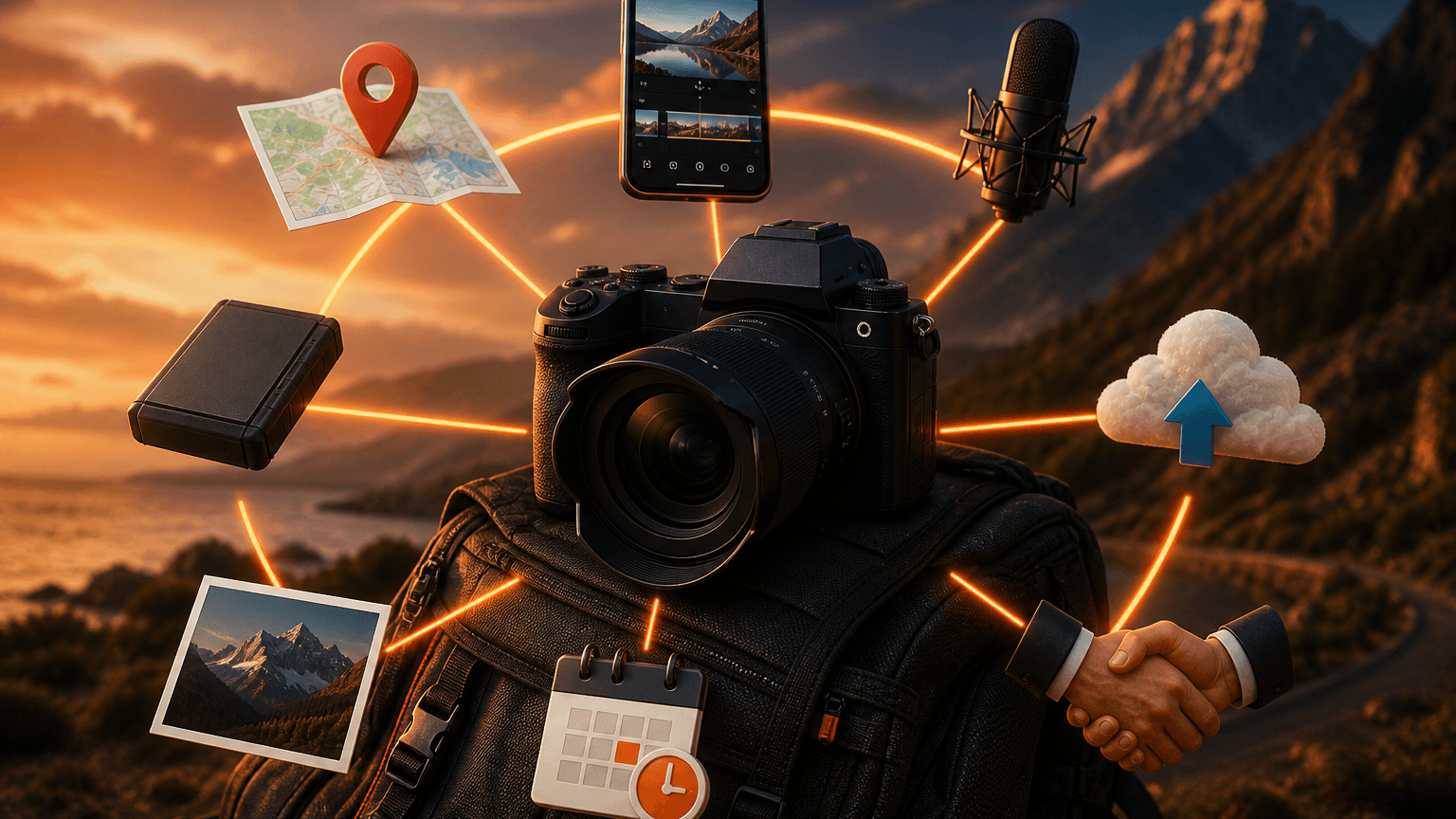
You have the footage, the stories, and the drive. But if you are like most travel creators, you have also spent an hour on a bumpy bus trying to edit a reel, or lost a brilliant voiceover idea because you forgot to hit record. The tools you use can either make your workflow seamless or turn your adventure into a logistical nightmare.
Here are the essential apps that will help you capture, organise, and monetise your travels without the headache.
1. Planning and Logistics – Wanderlog
Forget juggling a dozen spreadsheets. Wanderlog is an all-in-one trip planner that keeps everything in one place.
Key features:
- Pin every hotel, restaurant, and hidden viewpoint on a collaborative map
- Share itineraries with your team or travel companions
- Import bookings directly from your email
- Offline access – view your entire plan without signal, a lifesaver deep in a national park
Why it matters for travel creators: saves hours of pre-trip chaos, freeing you to focus on creative scouting instead of logistics.
Pro tip: use the budgeting tool to track production costs like permits and local transport, then export that data directly for your tax files.
2. Mobile Editing – CapCut
Desktop software is powerful, but you need speed on the road. CapCut offers professional tools that rival desktop counterparts – in your pocket.
Key features:
- Auto-captions – handles multiple languages with surprising accuracy, critical for a global audience
- Auto-remove background for quick thumbnail creation
- Export a polished short-form video in under 15 minutes
Why it matters for travel creators: you can edit, caption, and export a complete video while waiting for a connecting flight.
Pro tip: use the speed curve tool to create dramatic slow-motion reveals of landscapes without needing a high-end camera.
3. Audio Capture and Enhancement – Voice Memos or Otter.ai
Your best narration often happens in the moment. Do not lose it.
Option 1 – Voice Memos (with iCloud sync):
- Surprisingly capable for quick field recordings
- Automatically syncs across devices via iCloud
Option 2 – Otter.ai:
- Records and transcribes in real time
- Tags different speakers – invaluable for capturing interviews with locals
- Searchable transcripts make editing narration much faster
Why it matters for travel creators: you stop relying on memory and capture the authentic emotion of a place in the moment it happens.
Pro tip: immediately after a shoot, record a quick voice note describing the lighting, the vibe, and the story you want to tell. This saves hours of confusion during the edit.
4. Organisation and Backup – Google Drive or Dropbox
This is non-negotiable. Losing footage is a creator’s worst nightmare.
What to do:
- Set up automatic backup to cloud storage the moment you hit Wi-Fi
- Use a strict folder structure for every project:
- Raw Footage
- Selects
- Graphics
- Audio
- Final Export
- Label every folder by date and location
Why it matters for travel creators: provides peace of mind and a single source of truth for your entire workflow.
Pro tip: set your phone to auto-upload only when charging and on Wi-Fi – this preserves battery and data without changing your backup habits.
5. Monetisation and Brand Deals – GNCreators
This is the tool that turns your audience into a business.
Key features:
- Connects you directly with brands looking for authentic travel collaborations
- UPI-first payment system – get paid in rupees with no international transfer fees or delays
- Manage brand deals and track campaign performance in one place
- Access a marketplace of vetted brand partners
Why it matters for travel creators: removes the middleman and the payment friction. You own your audience and your rates.
Pro tip: complete your creator profile with high-quality examples of your work and specify your niche clearly – solo backpacking, luxury eco-resorts, regional Indian travel – to attract the right partners.
6. Visual Inspiration and Storyboarding – Pinterest
Do not underestimate this for pre-production. Pinterest is a visual search engine that is perfect for building mood boards before a shoot.
How to use it:
- Search specific terms like “golden hour composition” or “street food photography angles”
- Build reference boards for lighting, colour grading, and camera angles
- The algorithm surfaces highly niche, specific content that generic search engines miss
Why it matters for travel creators: helps you plan your shots in advance so you are not wasting time figuring out composition on location.
Pro tip: create a secret board for each trip and pin your reference images there before you leave. Arrive knowing exactly what you want to shoot.
7. Social Media Scheduling – Later or Buffer
Consistency is key to growth and Consistency does not require you to be online.
Key features:
- Visual calendar lets you see how your grid will look before anything goes live
- Write captions, add location tags, and schedule everything to publish automatically
- “Best time to post” analytics built in
Why it matters for travel creators: maintains your presence while you are offline, on a long flight, or in a location with no signal.
Pro tip: use the “best time to post” analytics to schedule content for when your audience is most active in their time zone – not yours.
Closing Thought
Your workflow is your competitive advantage. The right apps do not just save you time — they buy back the freedom to explore, connect, and tell better stories.
Start with the one app that solves your biggest current pain point. Add the next when the first becomes habit.